Built for supported ESP32 boards, ESPHome Altherma monitors Daikin Altherma heat pumps through the X10A connector and integrates directly with Home Assistant on your local network. It exposes temperatures, voltages, currents, flow data, and diagnostics without MQTT or cloud services.
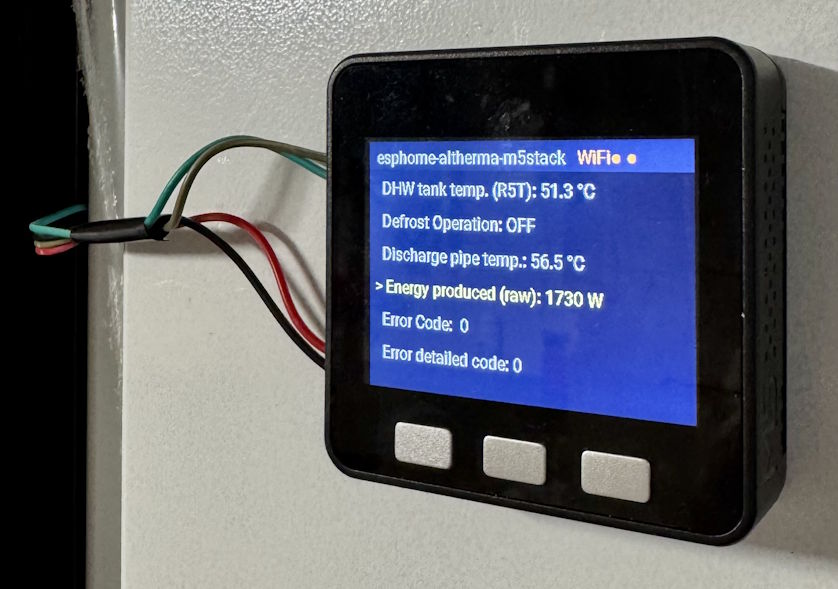
For hardware requirements, wiring, and advanced configuration, see the full project docs.
Install
Connect a supported ESP32 board with USB, and click the connect button below:
Steps
- Connect: Plug in the board with USB and allow serial access in the browser.
- Flash: Click the install button above, choose the serial port, and confirm flashing.
- Wi-Fi: Follow the prompts to configure your Wi-Fi credentials.
- Home Assistant: Add the discovered ESPHome device under Settings -> Devices & Services.
- Emoncms (optional): For long-term COP and performance tracking, follow the ESPHome Altherma + Emoncms setup guide.
After initial setup, over-the-air updates are managed directly from the Home Assistant UI.